What’s going on?
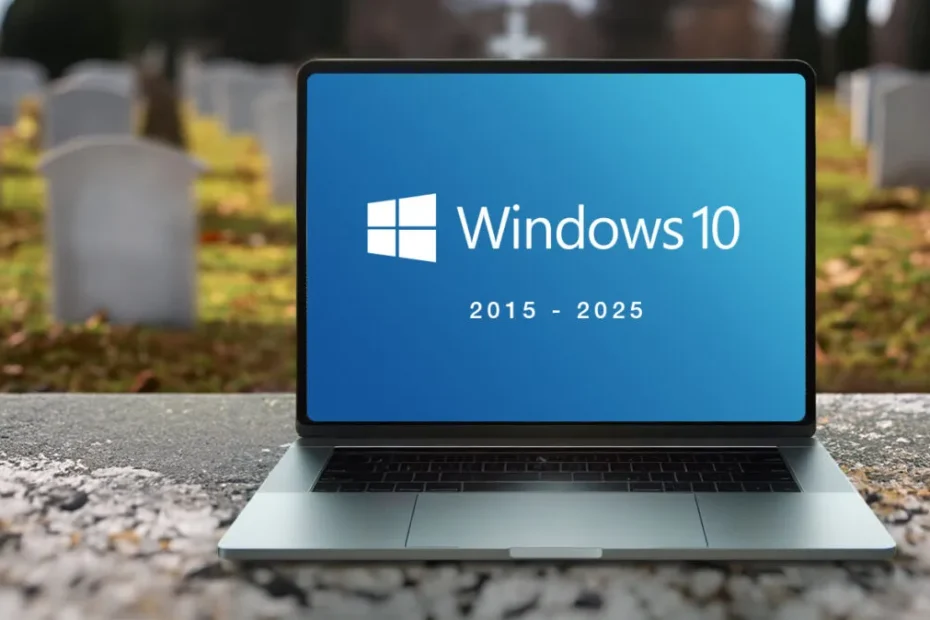
- Microsoft has set the end of support date for Windows 10 as October 14, 2025. Microsoft+2Microsoft Support+2
- After that date, Windows 10 machines will still work—but Microsoft will no longer provide:
• Security updates and patches Microsoft Support+1
• Technical support or customer service assistance Microsoft Support+1
• Feature improvements or performance upgrades via Windows Update Microsoft+1
Extended Security Updates (ESU) option
If you’re not quite ready to move off Windows 10 by the deadline, there is a safety net:
- The Extended Security Updates (ESU) program provides extra time (up to one year for many consumers) to keep getting critical security fixes after October 2025. Microsoft+2Windows Blog+2
- Note: ESU does not include new features, full technical support, or the cosmetic / performance improvements. It’s really just about keeping the system safe from major threats. Microsoft Support+1
Why does this matter?
For residential / home users
Pros and cons:
- Pros: If your PC is newer, meets the hardware requirements, you can download Windows 11 from Microsoft. Microsoft Support+1
- Cons: If your machine is older or lacks certain hardware features, it may not support Windows 11 properly, meaning you might need a new PC. Also, using Windows 10 past support means you’re more exposed to security risks (viruses, malware) because no new patches. Microsoft+2BizTech Magazine+2
For business / enterprise users
- Security & Compliance Risks: After support ends, vulnerabilities that are discovered will not get patched. For businesses, this can be a serious risk (data breaches, malware, etc.), especially if you’re in a regulated sector. Ekco+2BizTech Magazine+2
- Costs: Aside from potential risks (which often translate to actual costs), there may be costs in upgrading hardware, software testing, migration, training staff, etc. If relying on ESU, there are also fees. Windows Blog+2BizTech Magazine+2
- Compatibility Issues: Some apps or devices that worked with Windows 10 may not work well (or at all) under Windows 11. Businesses need to test all critical software + workflows. BizTech Magazine+1
- Operational Disruption: Without good planning, the migration could lead to downtime or unexpected glitches. BizTech Magazine+1
What to do now (so you’re not caught off-guard)
| For Everyone | For Businesses / Organisations |
|---|---|
| ✅ Check if your PC can run Windows 11 – Microsoft has tools / Settings screens for this. Windows Blog+1 | 🔍 Inventory all your PCs / devices + software in use to see which are Windows 10, which are ready to upgrade, which may need replacement. BizTech Magazine+1 |
| ✅ Back up your files – just in case something goes awry during upgrades. | 🔧 Test compatibility: software, peripherals, etc. Also plan a phased migration rather than “rip everything off and start over.” BizTech Magazine+1 |
| ✅ Decide on a plan: upgrade to Windows 11, use ESU for a while, or replace hardware. | 💸 Budget & timeline: set aside the money for upgrades, extra training, possible delays. And plan when to retire non-compatible hardware. |
| ✅ Stay informed – Microsoft will put up prompts / reminders, so don’t ignore them. | 👥 Communicate with the team so everyone knows what’s happening and when. Less unexpected surprises. |
Light take-aways
- If you use your PC mostly for browsing, streaming, light work, upgrading to Windows 11 (if possible) will probably go smoothly, and you’ll have the benefit of better security out of the box.
- If it’s an older PC, you might be able to limp along with ESU for a bit—but it’s more of a “band-aid” than a long-term solution. Expect that eventually hardware or software limitations will force more drastic change.
- For businesses: thinking ahead, planning early, testing, and budgeting are your friends. Procrastination now tends to cost more later.